
Encountering a League of Legends league of legends vanguard error can be a total buzzkill when you're ready to hit Summoner's Rift. As we move through 2025, these pesky VAN errors continue to plague players, but the good news is most have straightforward fixes. Let's break down what's causing these headaches and how to get back in the game faster than you can say "gg ez."
Vanguard, Riot's kernel-level anti-cheat system, works behind the scenes to ensure fair play across League of Legends. When it encounters something fishy on your system, it throws up those dreaded VAN error codes. Think of Vanguard as that overzealous bouncer who sometimes won't let you into the club even if your ID is legit.
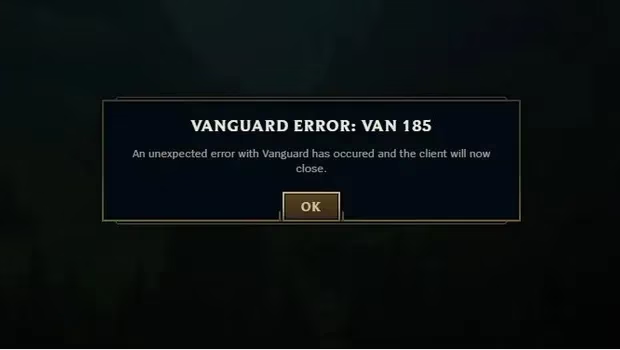
Common League of Legends Vanguard Error Codes
Let's dive into some of the most frequent error codes players are experiencing in 2025:
Connection Errors (VAN 1, 2, 3, 6, 8)
These are your garden-variety connection issues that often pop up if:
-
You've left your League Client running longer than my grandma's stories (over 7 days)
-
Your internet connection is shakier than a new Yuumi player
-
You're logged into multiple devices (which Vanguard finds sus)
Quick Fix: Restart both League of Legends and the Riot Client. If that doesn't cut it, give your PC the old turn-it-off-and-on-again treatment.
Vanguard Not Running (VAN 4)
This happens when Vanguard decides to take an unscheduled coffee break.
Quick Fix: Restart your PC and the Riot Client. If Vanguard still refuses to show up to work, you might need to reinstall it.
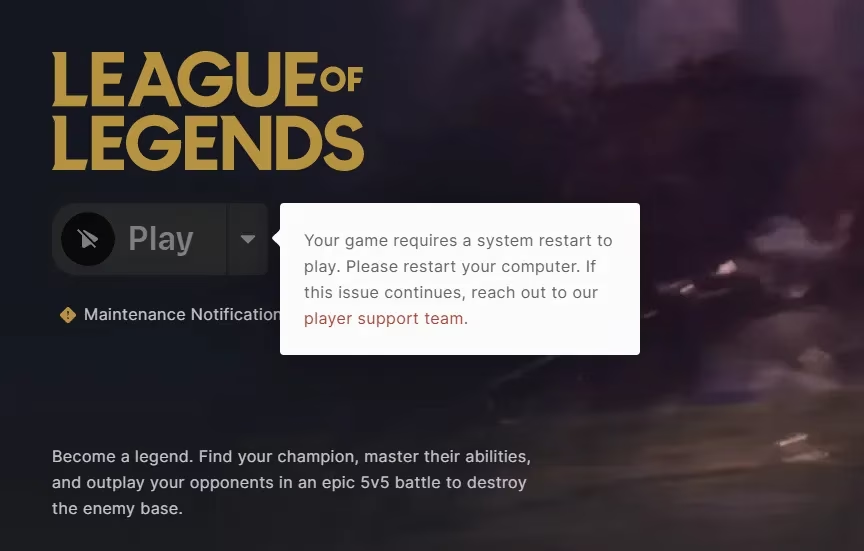
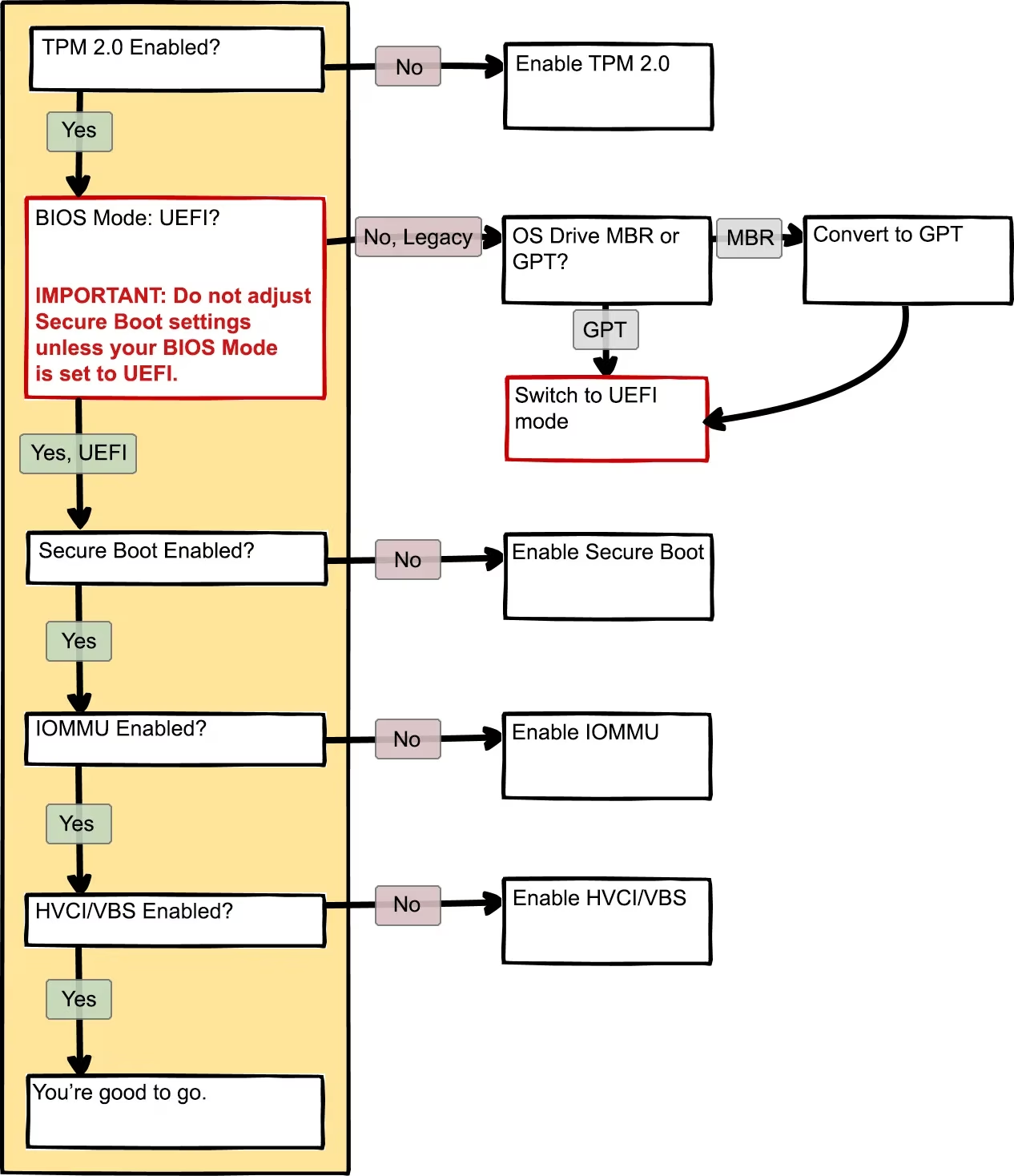
Hardware and System Setting Issues (VAN 9002, 9005, 9006)
These errors are throwing shade at your system configuration:
-
VAN 9002: Exploit Protection needs enabling
-
VAN 9005: Your BIOS needs to switch to UEFI mode with TPM 2.0 enabled
-
VAN 9006: Your Windows version is older than most memes
Quick Fix: Each requires specific system tweaks - enabling Exploit Protection, changing BIOS settings, or updating Windows to the latest build.
Software Conflicts with Vanguard in 2025
One of the most interesting developments this year has been the identification of new software conflicts with Riot Vanguard. Programs that worked fine last year might now be triggering errors.
For example, recent updates to audio software like UAD Software (versions above 11.3.0) that include Dante drivers have been causing conflicts with Vanguard. As one player put it, "It was like trying to mix oil and water - my system just wouldn't have both."
Pro Tip: If you're running specialized audio software and hitting Vanguard errors, try uninstalling recently added components like Dante drivers. Many players have reported this fix working like a charm.
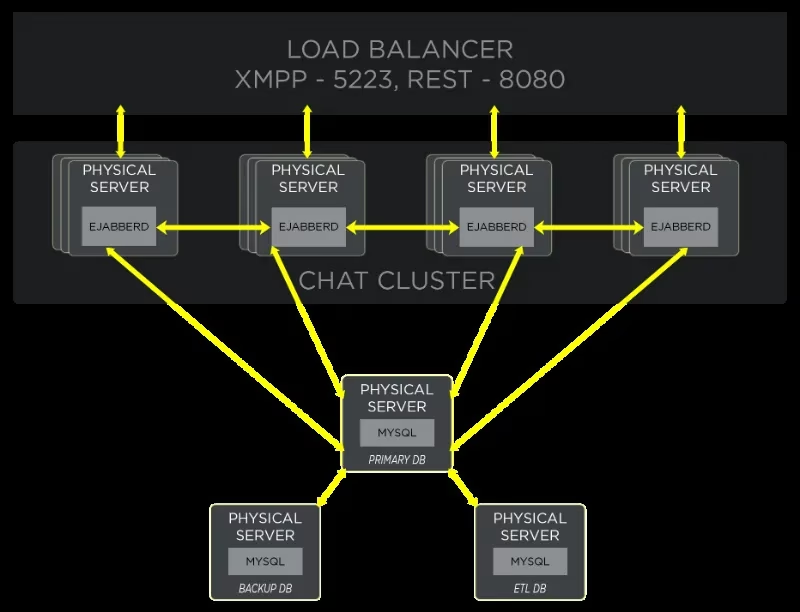
Advanced Troubleshooting for Persistent Errors
If you've tried the basic fixes and you're still stuck in Vanguard purgatory, don't throw in the towel yet. Here are some power moves to try:
-
Check for Malware - Sometimes malicious software triggers Vanguard's spidey senses
-
Disable Overlays - Discord, Steam, and other overlays can sometimes interfere
-
Update Drivers - Outdated GPU or network drivers might be the culprits
-
Clean Boot - Start Windows with minimal services to identify conflicts
The Nuclear Option
If all else fails, you might need to go scorched earth:
-
Uninstall League of Legends
-
Uninstall Riot Client
-
Uninstall Riot Vanguard
-
Restart your PC
-
Reinstall everything fresh
Do You Need Vanguard to Play League in 2025?
Short answer: Yep, it's non-negotiable. Since Riot made Vanguard mandatory in 2024, there's no way around it. The system activates when your PC boots up and checks for any sketchy software that might give players an unfair advantage.
"Vanguard is like that helicopter parent who needs to know where you are at all times," as one pro player recently joked during a stream. "But at least it keeps the playing field level."
How to Verify Vanguard is Working Properly
Not sure if Vanguard is even running? Look for the little red Riot shield icon near your clock in the system tray. No shield? Check Task Manager for processes named "vgc" or "Riot Vanguard."
If Vanguard seems MIA, the Riot Client will usually prompt you to install or repair it automatically when you try to launch League.
Remember, League of Legends and Vanguard are now a package deal - you can't have one without the other. While this might seem like a pain when errors pop up, it's ultimately keeping the Fields of Justice free from those who'd rather cheat than git gud.
With these solutions in your back pocket, you should be back to carrying (or getting carried) in no time. GL HF, summoners!